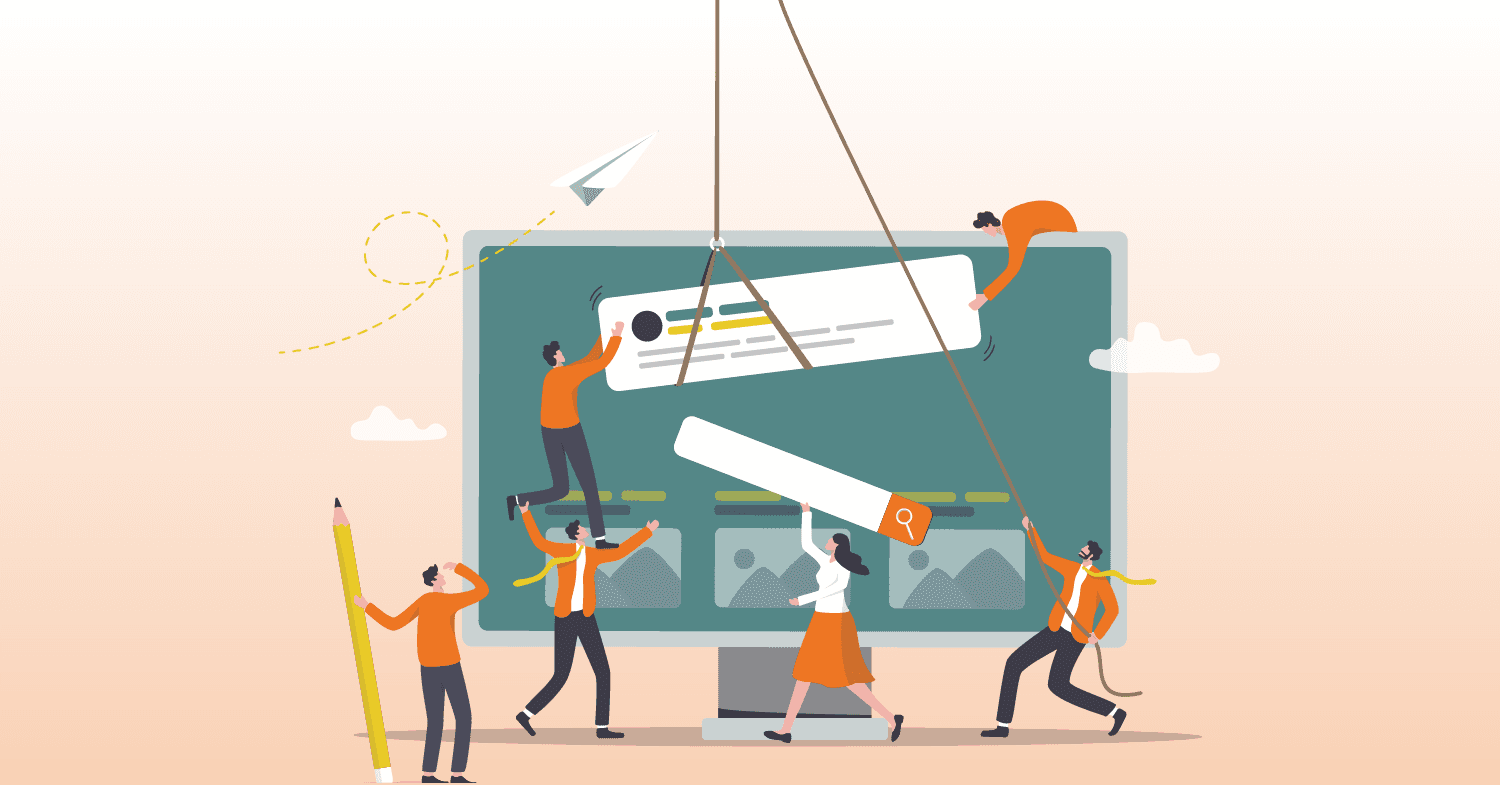
Did you know that 88% of online consumers are less likely to return to a website after a poor user experience? That’s why understanding the roles of staging, production, and live site environments is crucial for website success. These environments aren’t just technical niceties – they’re the backbone of a reliable, high-performing website. Each serves a distinct purpose, from rigorous testing to flawless public launches. As experts in web development, we’ll guide you through how these environments work together to prevent costly errors, enhance functionality, and create an exceptional user experience.
What Are the Different Site Types?
What is a Staging Site?
A staging site is like a behind-the-scenes rehearsal for your website. It’s a replica of your live site but inaccessible to the public. This space allows you to test updates, design changes, and new features without affecting your website’s current functionality.
When to Use:
- Before launching new features or layouts.
- To test plugins, themes, or major updates.
- For debugging and troubleshooting without risking user experience.
Why This Environment is Needed:
Staging environments help catch errors or conflicts that could cause downtime if applied directly to a live site. By previewing changes in a controlled space, you can prevent embarrassing bugs or broken pages.
What is a Production Site?
A production site refers to the version of your website that is ready for deployment. It’s fully functional and optimized for performance, but it is not yet accessible to the public.
When to Use:
- During final pre-launch checks.
- For internal reviews and approval processes.
- To prepare backups and ensure smooth migration to a live environment.
Why This Environment is Needed:
The production site acts as the final checkpoint. It ensures that every feature, design element, and functionality is polished before you make the site accessible to your audience.
What is a Live Site?
The live site is your public-facing website. It’s the version visitors interact with, representing your business to the world.
When to Use:
- For all public-facing purposes, including customer interactions, lead generation, and eCommerce sales.
- To gather user data and insights for future improvements.
Why This Environment is Needed:
The live site is the end goal of every website development project. It is where everything comes together to deliver value to your audience and achieve your business objectives.
Do You Need a Staging Environment?
Not every business realizes the importance of a staging environment, but it can be a game-changer for websites of all sizes.
Purpose:
- A staging site provides a secure area to test updates and changes before they impact users.
- It allows you to experiment with new features without disrupting the customer experience.
If your website is critical to your business operations – like an eCommerce store or lead-generation site – a staging environment is essential. It’s like having a safety net to catch potential errors before they reach your audience.
Comparing the Different Development Environments
Each environment has a distinct role in the website development process.
Staging Environment:
- Designed for testing and experimentation.
- Mirrors the live site to ensure changes are compatible.

Production Environment:
- A finalized version prepared for deployment.
- Focused on performance optimization and internal reviews.

Live Environment:
- The public-facing website.
- Collects user data and delivers the intended experience.
The key difference lies in accessibility and purpose: staging is for testing, production is for approval, and live is for real-world interaction.
How Having Multiple Environments Helps Create a Successful Website
Utilizing multiple environments ensures your website remains reliable and user-friendly while allowing room for innovation.
Testing Without Disruption
By pre-uploading updates to a staging site, you can identify issues before they affect the live site. This reduces the risk of downtime and keeps your audience’s experience seamless.
More Effective Collaboration
Multiple environments make it easier for teams to work together. Developers, designers, and stakeholders can review changes in the production environment, provide feedback, and approve updates before they go live.
Streamlined Workflow
Staging and production sites help establish a clear workflow. Test in staging, approve in production, and publish to live. This structured approach minimizes errors and keeps your website running smoothly.
At ZGM, we craft seamless digital experiences by leveraging the power of staging, production, and live environments. Ready to take your website to the next level with expert precision? Contact us today, and let’s make it happen.
FAQs