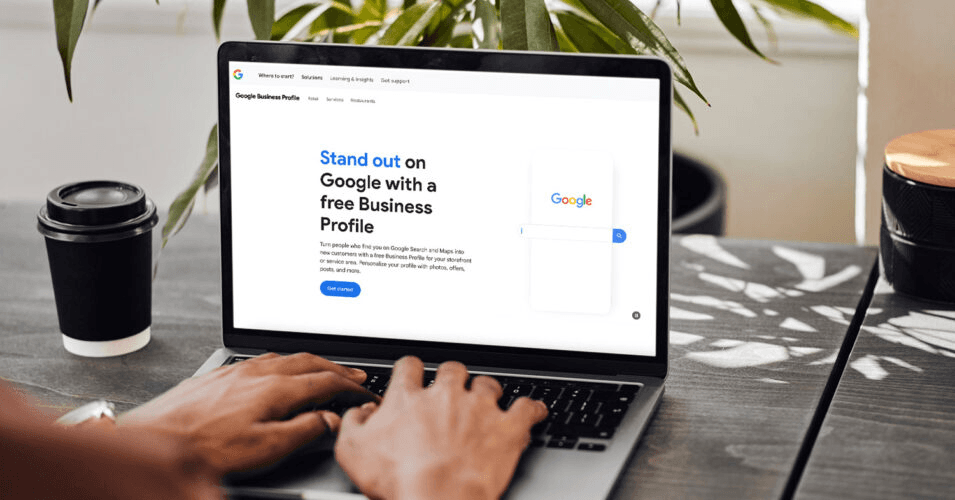
Your Google Business Profile (GBP) is one of the best ways to attract local customers, build trust, and boost your search rankings. If you have a physical storefront or run a service-based business, a well-optimized GBP helps people find essential details in one place.
Previously known as Google My Business (GMB), the local search platform has been rebranded as Google Business Profile, with management now integrated directly into Google Search and Maps. This change makes it easier for business owners to update their listings and interact with customers instantly.
But just setting up your profile isn’t enough. To really make an impact, you need to keep it updated, optimized for SEO, and actively engaging with customers. In this guide, we’ll walk you through everything—from understanding what Google Business Profile is to setting up your profile and staying ahead of the competition.
What is Google Business Profile (GBP)?
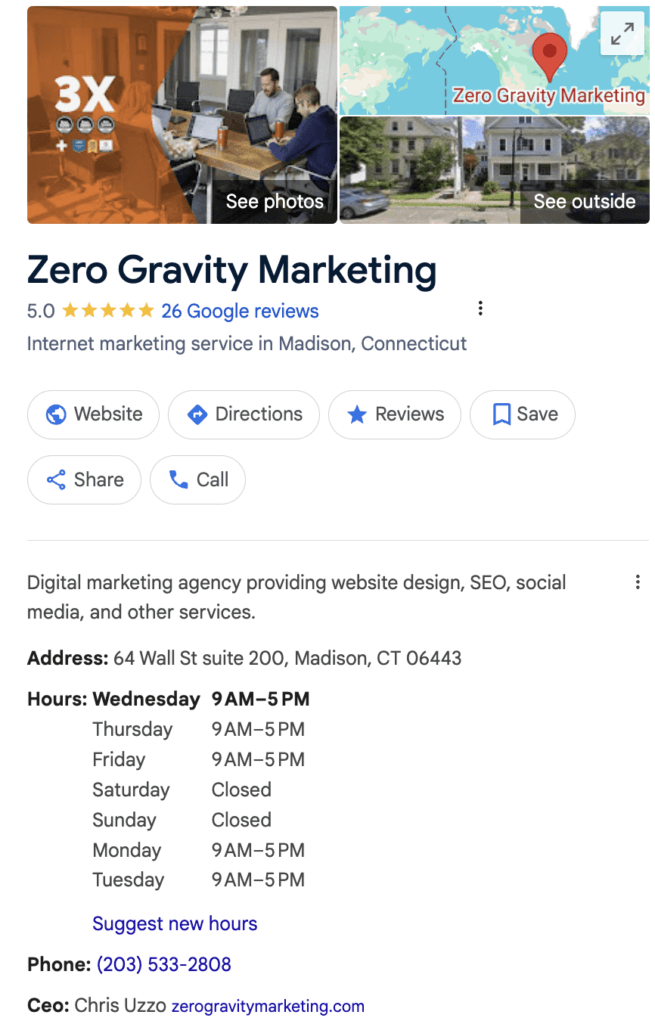
Google My Business, now called Google Business Profile, is a tool designed to help businesses manage their online presence across Google Search and Maps. When set up correctly, your profile gives potential customers all the essential details they need, including:
- Business name, address, and phone number (NAP)
- Website link and hours of operation
- Photos, services, and products
- Customer reviews and Q&A section
How to Use Google Business Profile for Local Marketing
Keeping your Google Business Profile up to date ensures customers can easily find and trust your business. People turn to Google for quick answers like your store hours, location, or contact details. If your business’s information isn’t accurate, you risk confusing potential customers or even losing them to a competitor.
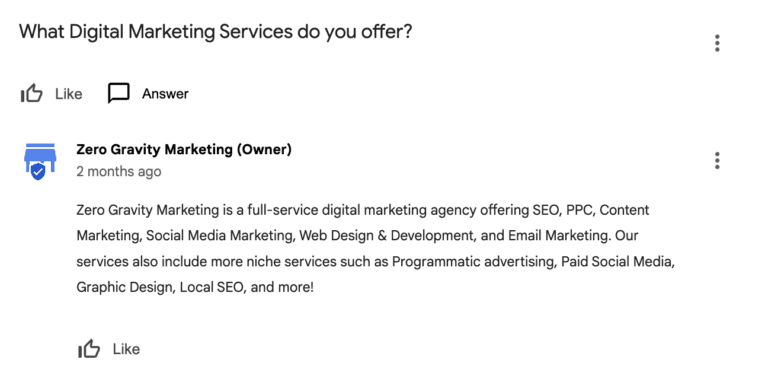
But it’s not just about listing the basics—engagement matters. Responding to reviews (glowing or critical) shows that you care about customer feedback. Answering common questions in the Q&A section can clear up doubts before a customer reaches out. And if you enable Google Messages, you give people a direct way to connect with you, making it easier to turn interest into action.
Another way to use your profile for local marketing is to post about sales, new arrivals, or seasonal changes. These updates show up right on your profile, giving potential customers more reasons to check you out.
A well-optimized Google Business Profile helps you attract the right people. When your information is accurate, your engagement is strong, and your updates are relevant, you’re the business customers want to choose.
How Google Business Profile Helps With SEO
Your Google Business Profile is also a key player in enhancing visibility in local search rankings. Here’s how it helps businesses stand out:
Strengthen Your Local Presence
Google ranks businesses based on relevance, distance, and prominence. A well-optimized Business Profile increases your chances of showing up in local search results and the coveted Google Maps 3-pack, putting you in front of more potential customers. The more complete and active your profile is, the better your visibility.
Keep Your Business Information Consistent
Make sure your name, address, and phone number (NAP) match across your website, social media, and directories. Google rewards businesses with accurate, up-to-date details by improving their search ranking. Even small inconsistencies can cause confusion and hurt your local SEO efforts.
Build Trust with Customer Reviews
Encourage happy customers to leave reviews, and make a habit of responding to every review—good or bad. Not only do reviews influence potential customers, but they also signal to Google that your business is active and trustworthy. The more engagement your profile has, the stronger your ranking potential.
Stay Ahead of Competitors
Businesses with fully optimized GBP listings tend to rank higher in local searches. Regularly posting updates, adding high-quality images, and engaging with reviews show Google that your business is active and relevant. The more effort you put in, the more likely you are to outrank competitors who neglect their profiles. Learn more about Google Business Profile SEO Services.
How to Set Up a Google Business Profile Listing
Setting up your GBP is a simple but crucial step in making your business more visible online. Here’s how to get started:
1. Go to Google Business Profile and Sign In
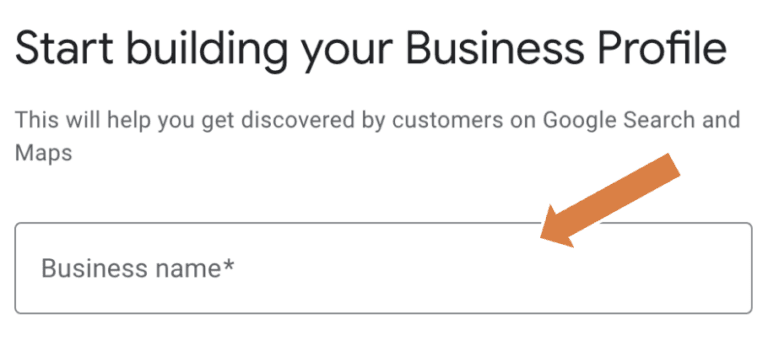
Head to Google Business Profile and log in with your Google account. If you don’t have one, you’ll need to create it first.
2. Click "Add Your Business to Google"
Once signed in, select the option to add a new business. If your business already exists in Google’s database, you may see suggestions—claiming an existing listing is usually faster than creating a new one from scratch.
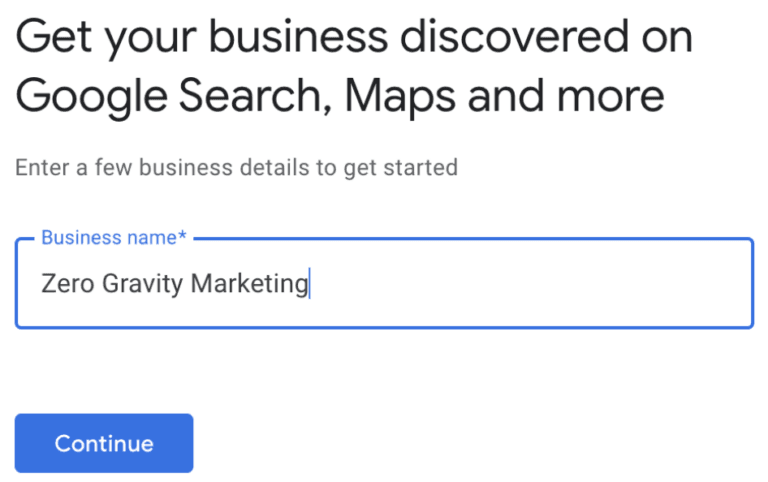
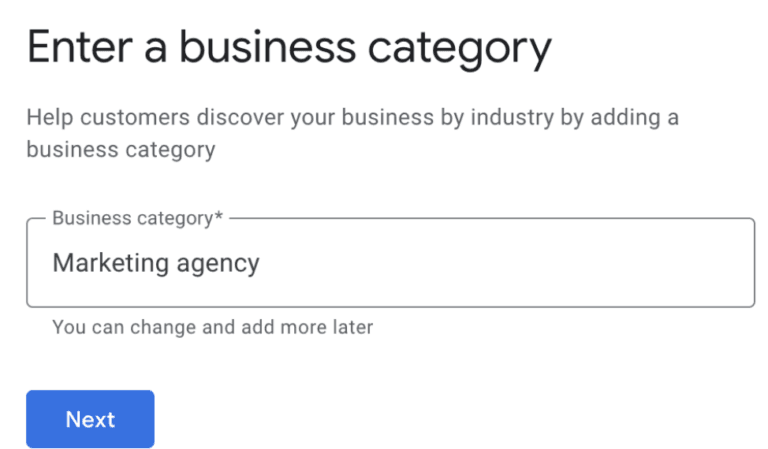
3. Enter Your Business Name and Category
Type in your business name exactly as it appears on your website and other platforms. Then, choose a category that best describes your business. This helps Google determine when to show your listing in search results. If you're unsure, pick the closest match—you can always update it later.
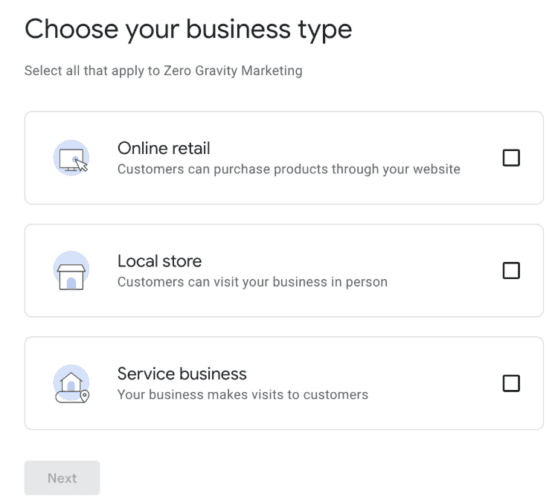
4. Add Your Location (If You Have a Physical Storefront)
If you operate a brick-and-mortar store or office where customers visit, enter your full business address. If you run a service-based business without a storefront, you can select service areas instead.
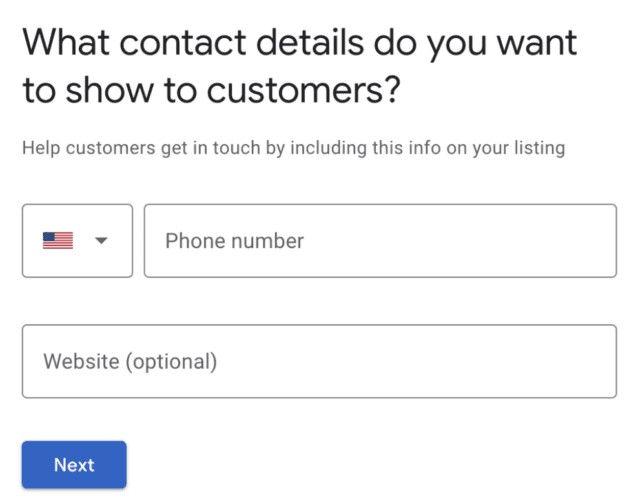
5. Provide Your Contact Details
Enter your phone number and website link so customers can easily reach you. These details improve your credibility and help customers take action directly from your profile.
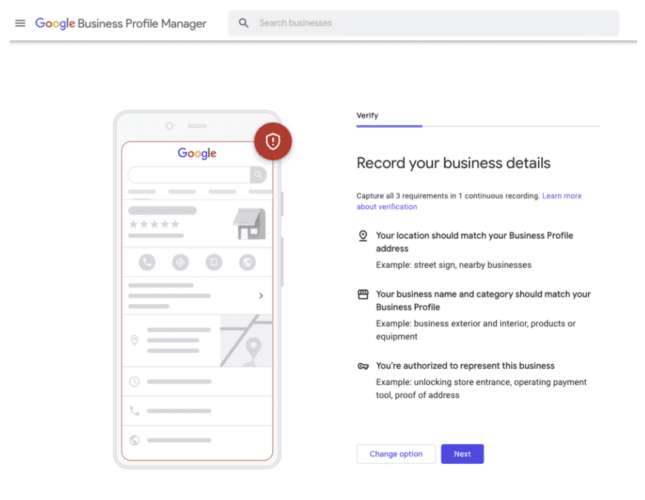
6. Verify Your Business
Google requires verification to confirm that you're the rightful owner. Follow the instructions provided by Google, and once verified, you’ll gain full access to your profile.
Need help setting up or optimizing your profile? Zero Gravity Marketing can ensure your business is fully optimized to get the best results from local search.
How to Optimize Your Google Business Profile
Setting up your Google Business Profile is just the beginning. To truly stand out and attract customers, you need to keep your profile fresh, accurate, and engaging. Here’s how to make the most of it:
1. Complete Every Section of Your Profile
Fill in all available details—business name, category, address, phone number, website, hours, and services. The more information you provide, the more likely your business is to appear in relevant searches. Ensure everything is accurate and consistent with your website and other listings.
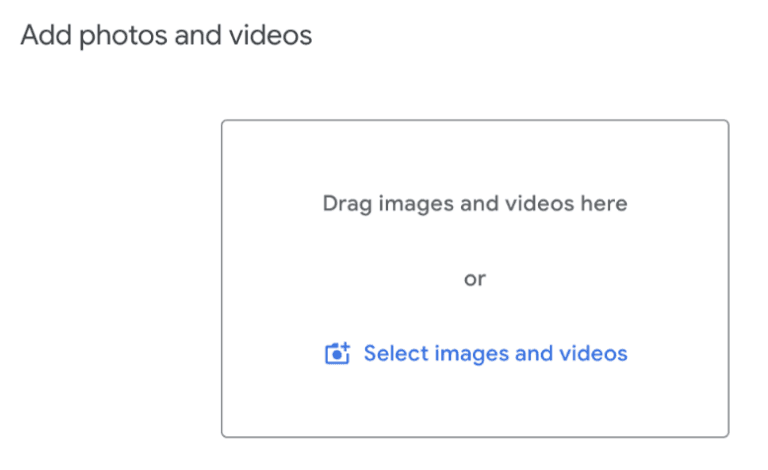
2. Upload High-Quality Photos to Improve Engagement
Businesses with photos get more engagement than those without. Add clear, high-resolution images of your storefront, products, team, or services. Show off your space, highlight new arrivals, and keep visuals up to date to make your listing more appealing.
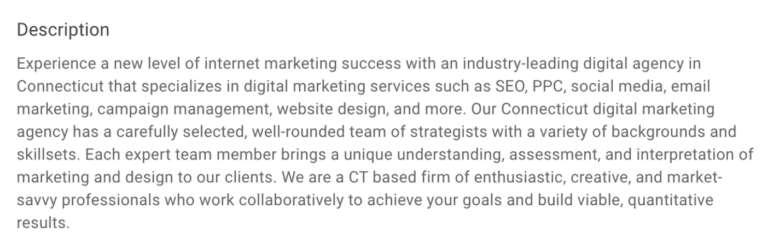
3. Use Keywords in Your Business Description
While GBP doesn’t allow traditional SEO optimization like meta tags, you can still strategically include relevant, local keywords in your business description, services, and posts. Think about what your customers search for and naturally incorporate these phrases into your profile.
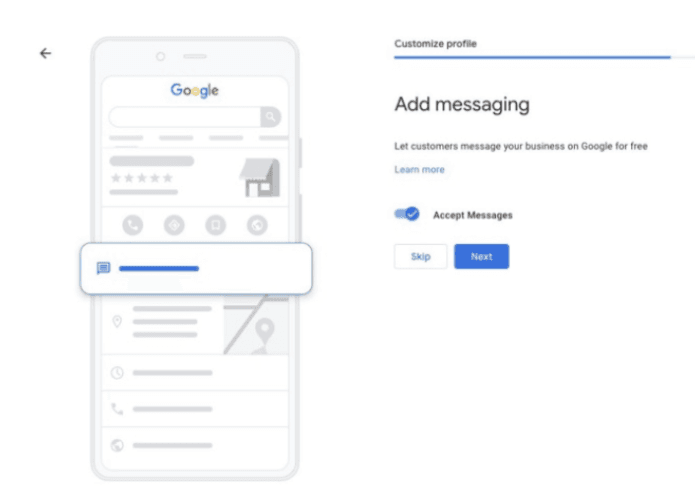
4. Enable Google Messages for Direct Customer Communication
Turn on messaging so customers can contact you directly with questions or inquiries through your profile. Fast, direct responses can improve customer satisfaction and increase conversions.
5. Add Service Areas and Business Attributes
If you serve multiple locations, define your service areas to reach a broader audience. Also, use business attributes (such as “women-owned,” “wheelchair accessible,” or “free Wi-Fi”) to provide helpful details that make your business more appealing to potential customers.
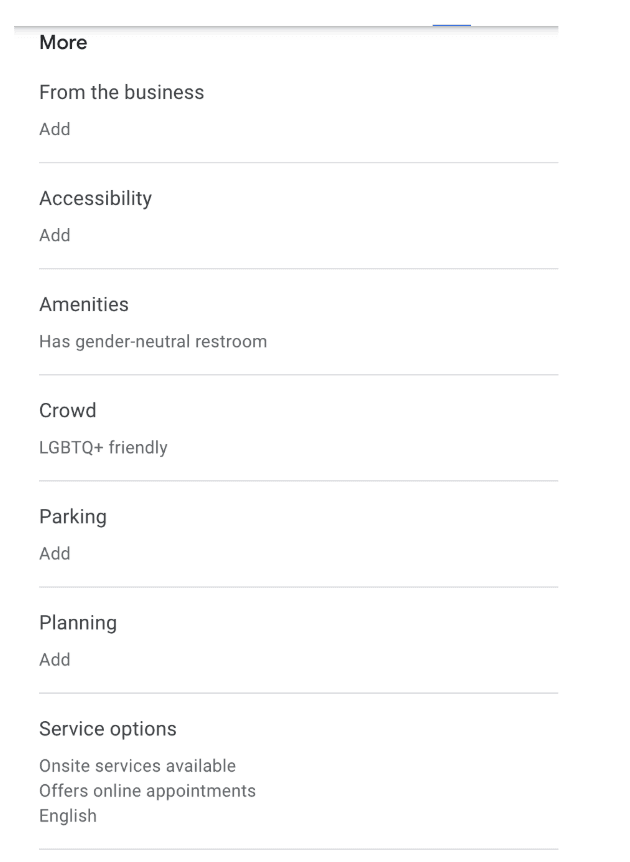
Keeping your profile optimized is also about creating a strong first impression and making it easy for customers to choose you. Learn more about Google Business Profile guidelines.
Boost Local Visibility with Professional GBP Management
Managing and optimizing your Google Business Profile isn’t a one-time task—it requires regular updates, engagement, and strategy to keep your business visible and competitive. Businesses that actively maintain their profile rank higher in local searches, attract more customers and build stronger trust with their audience.
Professional Google Business Profile Management can help you:
✔ Improve your Google rankings and appear in more local searches
✔ Drive more local traffic to your business
✔ Convert more customers with an engaging and optimized profile
Zero Gravity Marketing offers elite Google Business Profile management services to help you maximize your listing. From keeping your information up to date to optimizing for local business SEO, managing customer reviews, and posting engaging content, we ensure your brand stands out where it matters most.
Let us handle the details so you can focus on running your business. Learn more about our organic SEO services, and reach out today to boost your local presence!