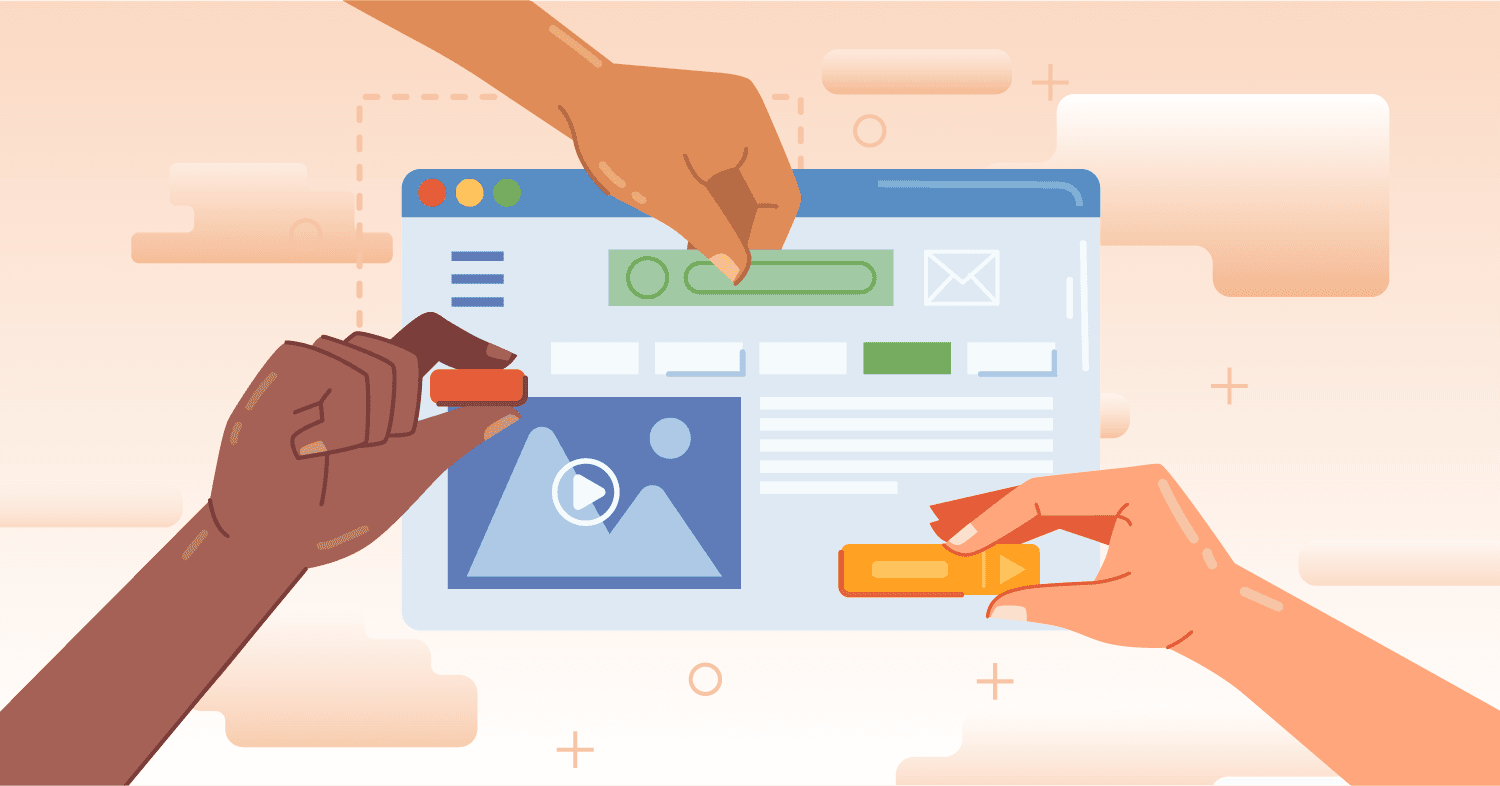
Website navigation is often overlooked but plays a large role in the user experience. When it’s seamless, users barely notice it. But when it’s clunky and slow? It can wreck your engagement, SEO, and conversions. In this guide, we’ll walk you through everything you need to know to improve website navigation, from design best practices to cleanup strategies and audit tools.
Why Website Navigation Matters More Than You Think
Good navigation is a key player in creating trust, improving usability, and boosting SEO (while helping you navigate around your website). Let’s take a closer look.
First Impressions and Frictionless Journeys
Visitors form opinions within seconds. If they can’t figure out your website navigation instantly, you risk losing them. A frictionless experience, where users intuitively know where to go next, keeps them engaged and on the path to conversion.
Benefits of Clear Navigation for UX, SEO, and Conversions
User Experience
Clear, predictable navigation helps visitors find what they’re looking for quickly, minimizing frustration and maximizing satisfaction. It also establishes trust, subconsciously telling users that your brand is organized, professional, and user-focused.
SEO
A good website navigation bar design supports a strong site architecture. When pages are logically organized and internally linked, search engines can crawl and index your site more effectively. This improves rankings and helps your content surface in search results.
Conversions
By reducing friction and helping users easily find high-value pages, great navigation nudges them closer to making a purchase, signing up for a newsletter, or filling out a contact form.
The Most Common Layouts for Website Navigation
Depending on your content and goals, different navigation styles can offer different advantages. Here’s a breakdown of the most common types:
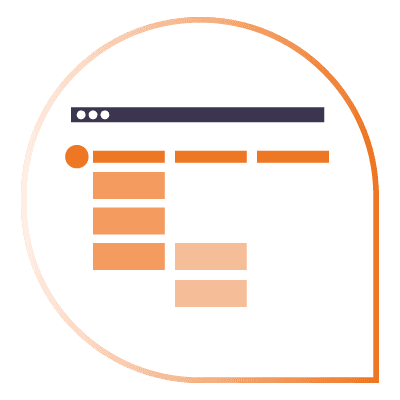
Horizontal Navigation and Top-Level Menus
This classic setup places the primary links in a horizontal bar at the top of the page. It’s intuitive, familiar, and perfect for easy-to-navigate websites with a manageable number of pages.
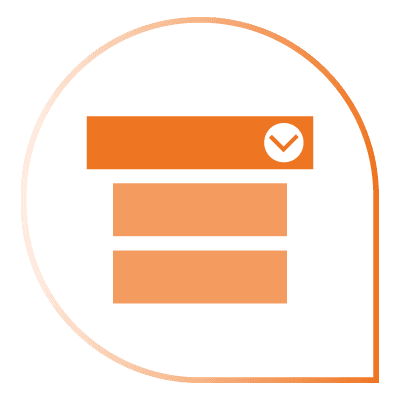
Dropdown Navigation Menu and Multi-Level Structures
When you have a deeper site hierarchy, dropdown navigation menus allow users to access multiple levels of content without cluttering the top bar. If dropdowns are too complex or too deep, they can overwhelm users.

Hamburger Menus for Mobile Navigation
On mobile devices, hamburger menus are a space-saving must. They hide navigation behind an icon, making it easier to create clean, mobile-friendly layouts that prioritize content while keeping navigation readily available.
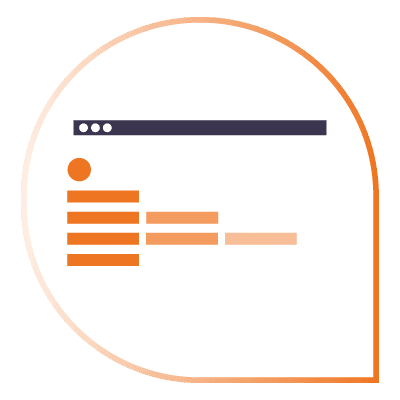
Sidebar and Vertical Navigation Layouts
Vertical or sidebar navigation is common for sites with lots of categories or product lines. It offers more space for listing deep links and supports easier browsing in complex structures.
The Purpose of Footer Navigation
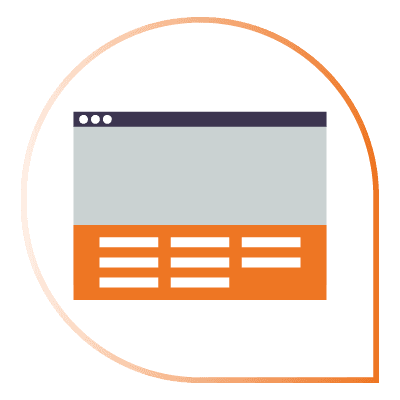
The footer acts as a secondary navigation area. It’s the perfect place for links to social media profiles, privacy policies, FAQs, and less frequently accessed pages, keeping primary menus clean and conversion-focused.
Best Practices for Designing Website Navigation
It’s more than just picking a layout – designing a great navigation system requires strategic thinking and an understanding of your users’ needs.
Simplify Top-Level Navigation
Limit top-level menus to 4-7 items. Too many choices can overwhelm visitors, leading to confusion and decision paralysis.
Build Around User Behavior and Expectations
Use language and structures that align with what users expect. For example, if you’re an eCommerce brand, users will look for “Shop,” “About,” and “Contact.”.
Ensure Consistency Across Devices and Pages
Maintain uniformity in how your menus look and function across desktops, tablets, and mobile devices. Responsive navigation design ensures a seamless experience no matter the screen size.
Support Findability with Search and Secondary Features
Some users prefer not to click through menus at all. Make sure your site search is easy to find, functional, and optimized to help users locate content directly.
Common Navigation Mistakes to Avoid
Cluttered or Confusing Menu Structures
Cramming too many links into your menu creates cognitive overload. Simplicity makes navigation faster, easier, and more effective.
Unclear or Inconsistent Navigation Labels
If users can’t understand what a link will lead to, they won’t click it. Or worse: they’ll leave your site out of frustration. Use clear, descriptive language consistently across your site.
Lack of Mobile Optimization
A desktop-friendly menu isn’t enough. Mobile-first design is crucial. Ensure that your mobile website navigation is intuitive, touch-friendly, and doesn’t frustrate users with hidden or tiny links.
Strategies for Improving Existing Navigation
Cleaning up your navigation involves making your site faster, easier to use, and more conversion-friendly. Here’s how to approach it:
- Limit Top Navigation to 4-7 Links: Focus on the essentials to avoid overwhelming visitors.
- Order Links Strategically: Place your most important links first and last, where users are most likely to notice them.
- Include Universal Standard Links: Make sure “What you sell,” “About,” and “Contact” are always easily accessible.
- Move Social Media Links to the Footer: Keeping them out of the top nav reduces the chances of users bouncing off to Instagram or Facebook.
- Be Consistent in Link Style and Typography: Consistency builds visual trust and improves scanability.
- Highlight the User’s Location: Use bolding or different colors to show users where they are within your navigation structure.
- Design for All Screen Sizes: Navigation must be fully functional across desktops, tablets, and smartphones.
- Follow the Three-Click Rule: Users should be able to find any page on your site within three clicks or fewer.
- Cross-List When Logical: If a page fits into multiple categories, don’t hesitate to link it from multiple places to enhance findability.
Tools and Resources for Navigation Design
You don’t have to guess whether your navigation is working; there are plenty of tools that can provide insights!
UX Testing Tools for Evaluating Navigation Clarity
UX platforms like Hotjar and Crazy Egg allow you to track user movements, clicks, and heatmaps to identify navigation pain points.
Navigation-Specific Features in CMS Platforms
CMS platforms like WordPress, Shopify, and Webflow offer built-in tools for managing and editing menus, making it easier to adapt your website navigation design without needing heavy coding.
Using Site Audits to Identify Navigation Issues
SEO forward tools like SEMRush, Screaming Frog, and Ahrefs help you run site audits that highlight broken links, orphaned pages, and crawl issues that might stem from poor navigation.
A/B Testing in Navigation Optimization
Platforms like Google Optimize allow you to A/B test different menu setups, wording, and layouts to find what works best for your audience.
When and How to Audit Your Site Navigation
Keep in mind that navigation improvements aren’t a one-time project. To keep your site performing at its best, you need to make audits a regular part of your maintenance plan.
Make Navigation Improvements Part of an Ongoing Process
User expectations change, as do SEO & UX best practices, as new content gets added. Plan to revisit your navigation structure every 6-12 months to stay competitive.
Steps to Conduct a Navigation Cleanup Effectively
- Inventory Your Current Structure
- Analyze User Behavior
- Consolidate or Remove Low-Value Pages
- Prioritize High-Impact Pages
- Test Across Devices
Improve Website Navigation with Zero Gravity Marketing
At Zero Gravity Marketing, we know that effective website navigation can make or break a user’s experience. Whether you need a full overhaul, a strategic marketing audit, or a responsive design update, our team is ready to help.
Ready to create a faster, easier-to-navigate site that drives results? Contact Zero Gravity Marketing today and let’s make your website work harder (and smarter) for you!